Prepare
The chef knows what is needed. The storekeeper knows which materials to issue.
POS, PRODUCTION AND STOCK FOR BAKERIES
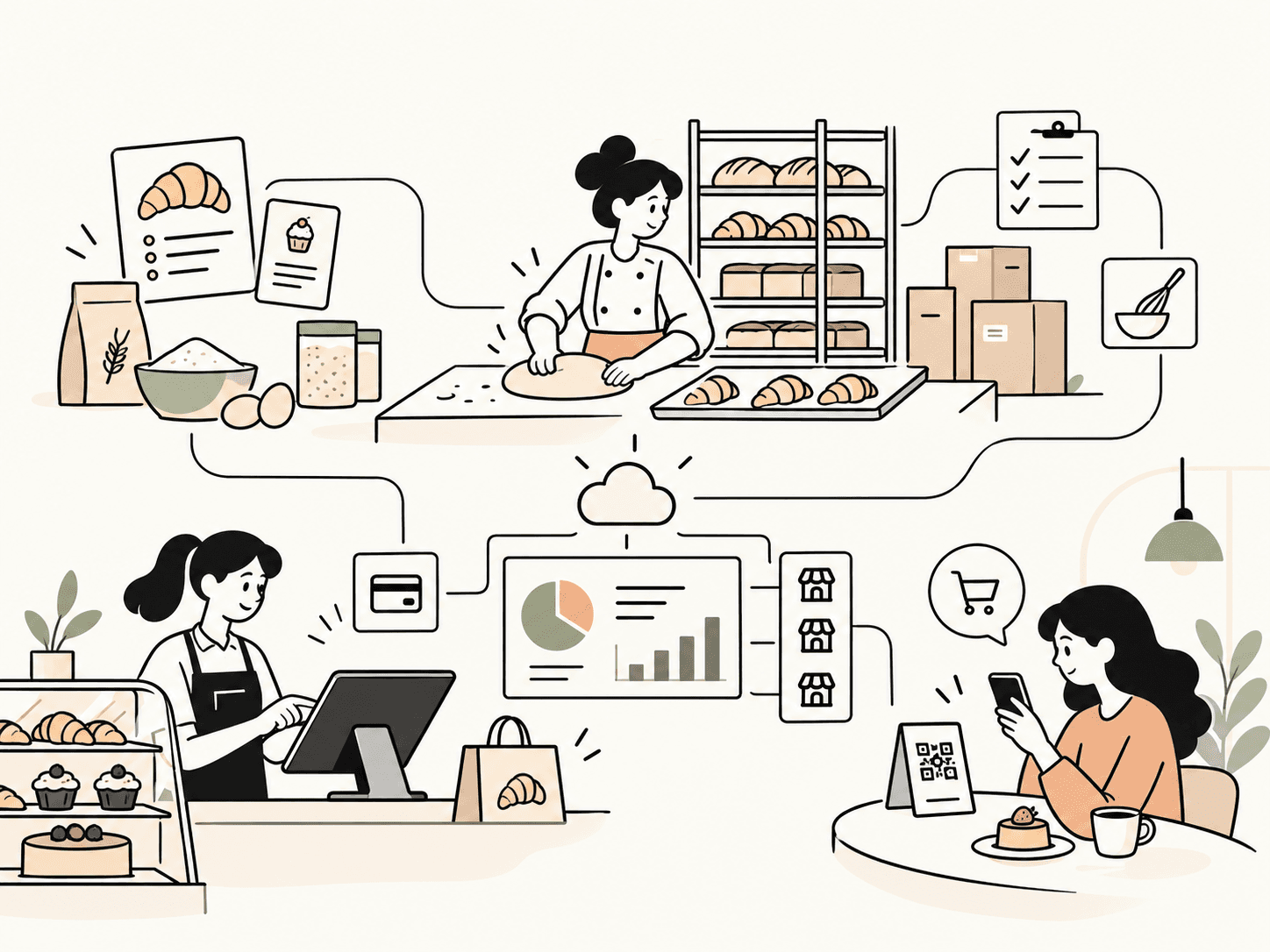
Orders guide preparation. Materials follow. Keep sight of stock, sales and every store.

Kaisu for iPadSelling at the counter, managing from the web.
THEY TRUST US
One of Morocco’s largest bakery and pastry chains. We started with them in 2021, and Kaisu grew at their scale, one need at a time.
Today, their 10 stores in Casablanca sell, produce and close every day with Kaisu.
The chef knows what is needed. The storekeeper knows which materials to issue.
Orders, deliveries and checkout together for your store team.
Sales, stock and discrepancies: the information to decide, store by store.
KAISU EVERY DAY
From recipes to store reporting, explore what each person does with Kaisu.
01Recipes & materials
Define components, quantities and yields. Kaisu connects raw materials, intermediate recipes and finished products to calculate requirements.

What each person does with Kaisu, from the workshop to closing.
Recipes & materials
Define components, quantities and yields. Kaisu connects raw materials, intermediate recipes and finished products to calculate requirements.
Set materials, sub-recipes, units and method. A recipe can target a product variant.
Set expected loss and tray capacity for cut products. The plan distinguishes ordered, produced and surplus quantities.
Costs include materials and sub-recipes. Missing prices are flagged as an incomplete cost.
Review versions and components. Preparation orders reference the recipe version used.
In the endA shared basis for costing and preparation, with theoretical unit material cost.
Chef & storekeeper
Store orders become a preparation order. Recipes translate products into material requirements, then the chef and storekeeper take turns.
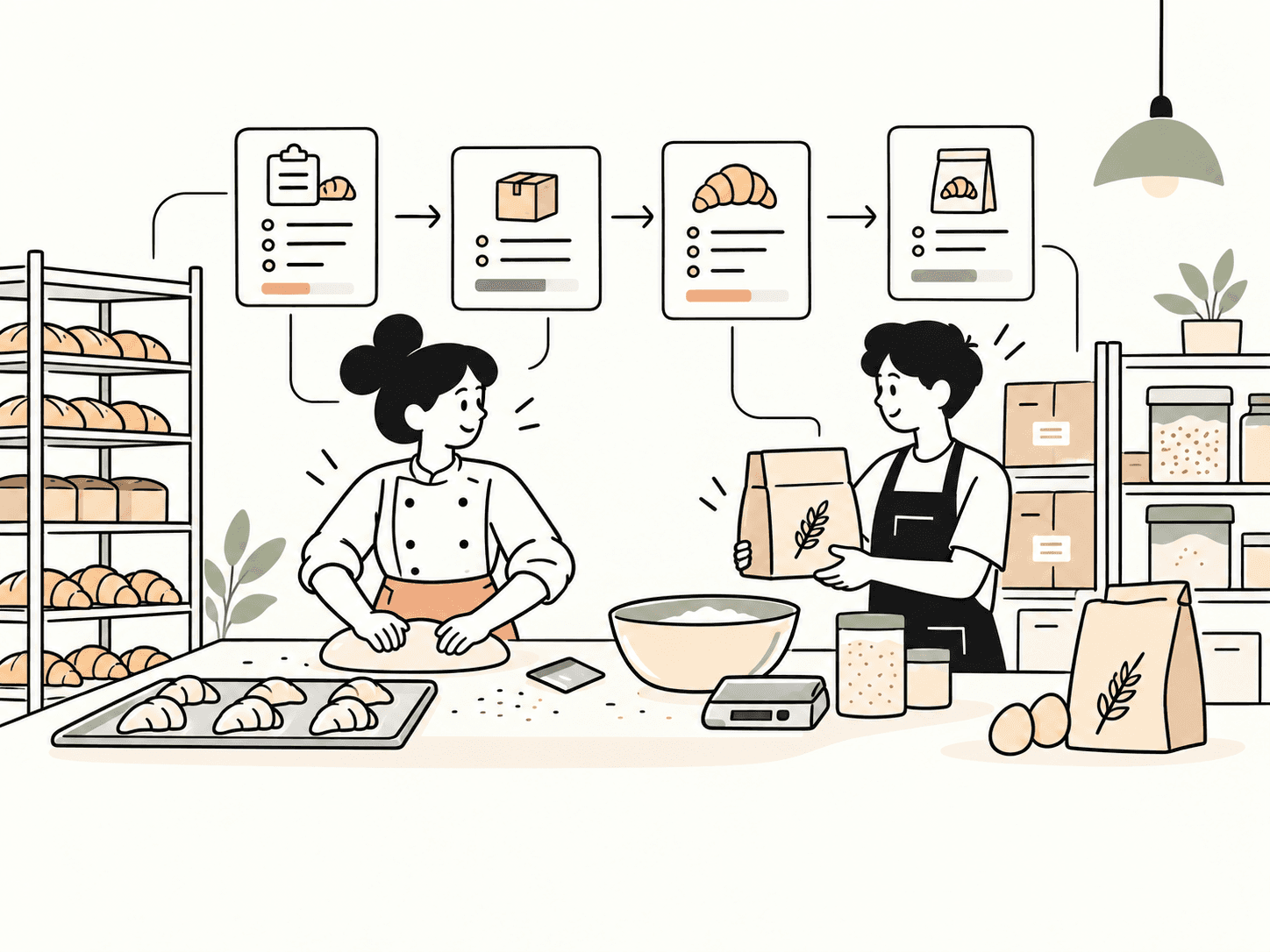
Requirements account for recipes, expected loss, packaging and allocated workshop stock. The chef adjusts with a reason and validates.
Record actual served quantities and make them available. Material issues are tracked.
Confirm receipt or record a discrepancy. Production begins; additional materials can be requested.
Record production. Allocate surplus to workshop stock, stores or losses; record reasons for failed batches.
In the endWhen the workshop night closes, compare actual and theoretical material costs, then review ingredients consumed by chef and preparation order.
Table & point of sale
Kaisu Go lets customers scan their table QR, browse the menu and submit an order for cashier validation.

The menu belongs to the store and table. Choose products and variants, with line or order notes.
Accept or reject the order. Validation links it to the register; staff can set an estimated ready time.
Validated, ready and served states track progress. Customers can call a waiter or request the bill.
Payment happens at the register and can be split by method, equal shares or items. The customer can retrieve the paid receipt.
In the endCustomer requests, staff validation and final receipts form one workflow.
Quotes & events
Prepare the customer, event, delivery or pickup and instructions. Quote, deposit and remaining payment are separate steps.
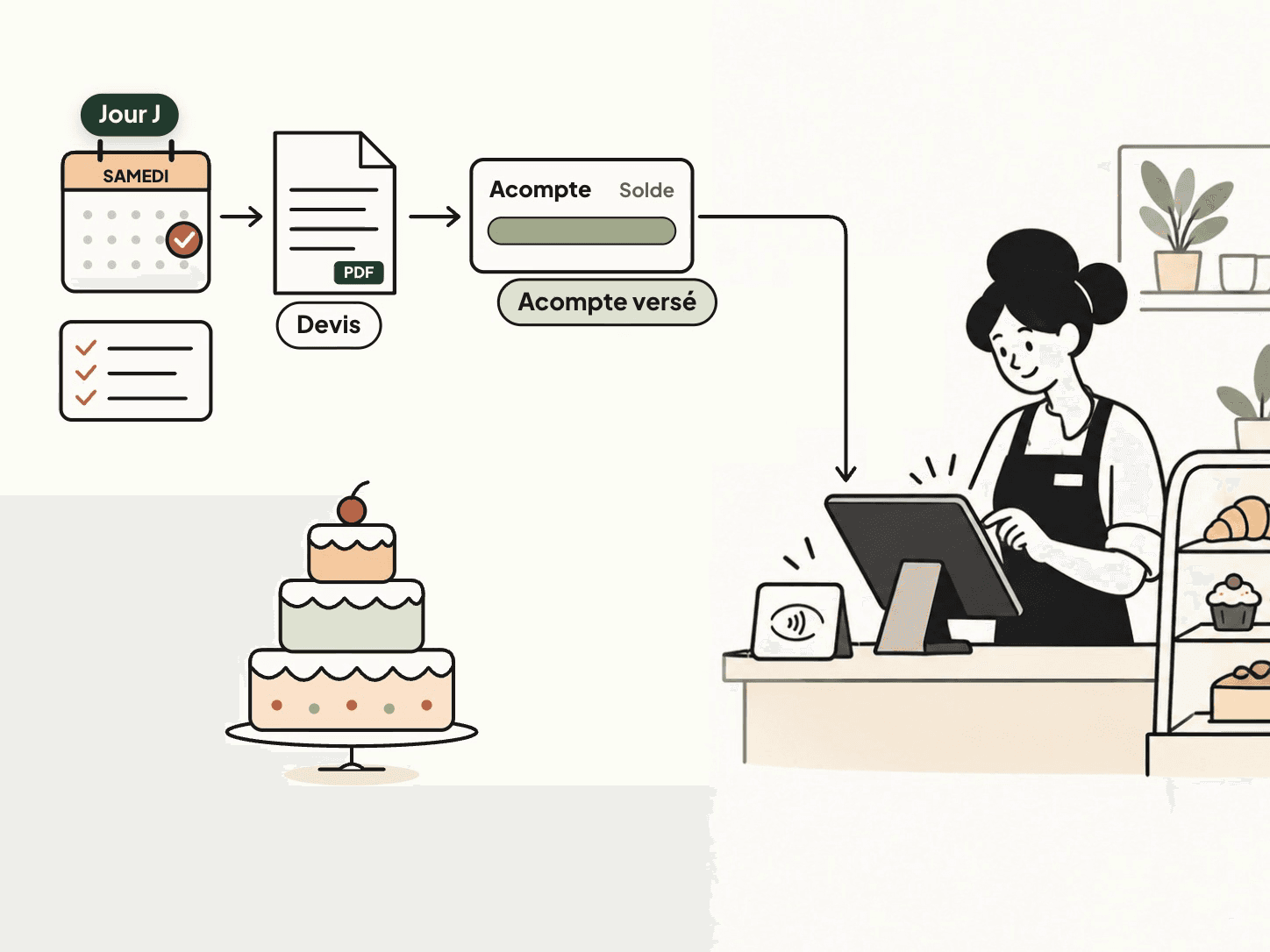
Select the customer, event type and date, delivery or pickup. Record declared allergens and special instructions.
Create a numbered quote with validity and PDF. Email and WhatsApp delivery depend on configuration.
Confirmation and deposit payment create a separate record, with the balance and pickup details.
Use the day view and calendar. Cross-store pickup is identified; completion accounts for remaining payment.
In the endTeams share the request, instructions and payment state.
Stock & oversight
Daily stock shows declared, sold and remaining quantities. Expand a product to see the movements behind the number.
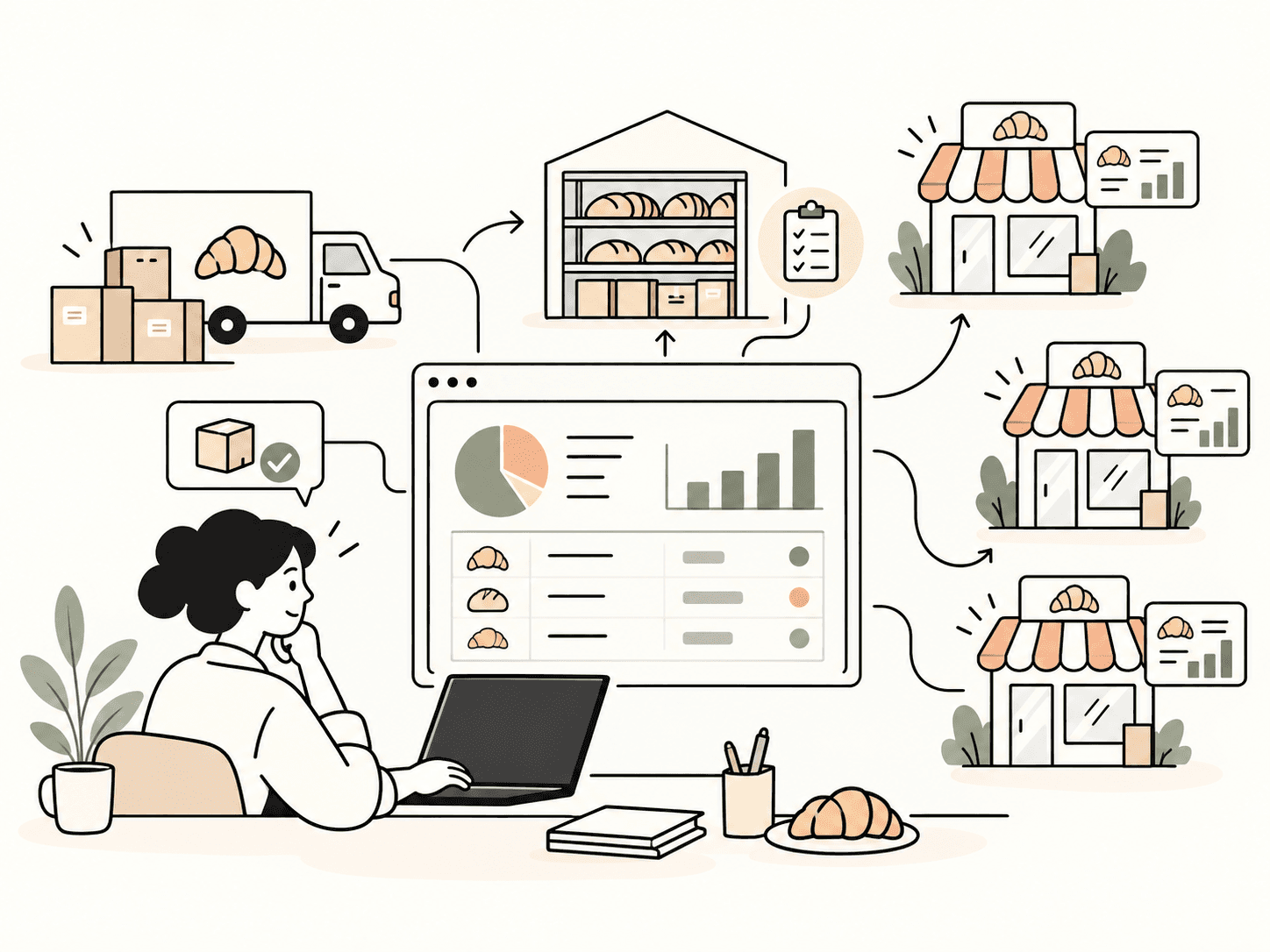
Stock follows the open business day. An older day still open is explicitly identified.
Receipts add stock. Inter-store transfers have incoming tracking and recipient confirmation.
Opening + receipts − transfers − sales − losses. Untracked references are distinct from depleted products.
Access stock, daily recaps, discrepancies, losses and product, channel or store analyses according to your role.
In the endAn explained quantity, with the reference date and movements.
The manager’s view
The home screen gathers what needs attention. Commercial reporting compares today’s sales with previous matching weekdays at the same time.
Identify registers to close, pending requests, held baskets and days started without an opening inventory.
Cumulative sales are compared with the average of previous matching weekdays at this time. The reference is displayed.
Review each store’s contribution, receipt count and average basket. Select a store and date range.
Review discounts, donations, declared losses and register expenses alongside revenue.
In the endKnow where to look, with an explicit time reference and a store-by-store view.
VAT & accounting
Every sale is broken down by VAT rate at checkout. Read VAT day by day, then export the accounting journal for your accountant, with nothing to re-enter.
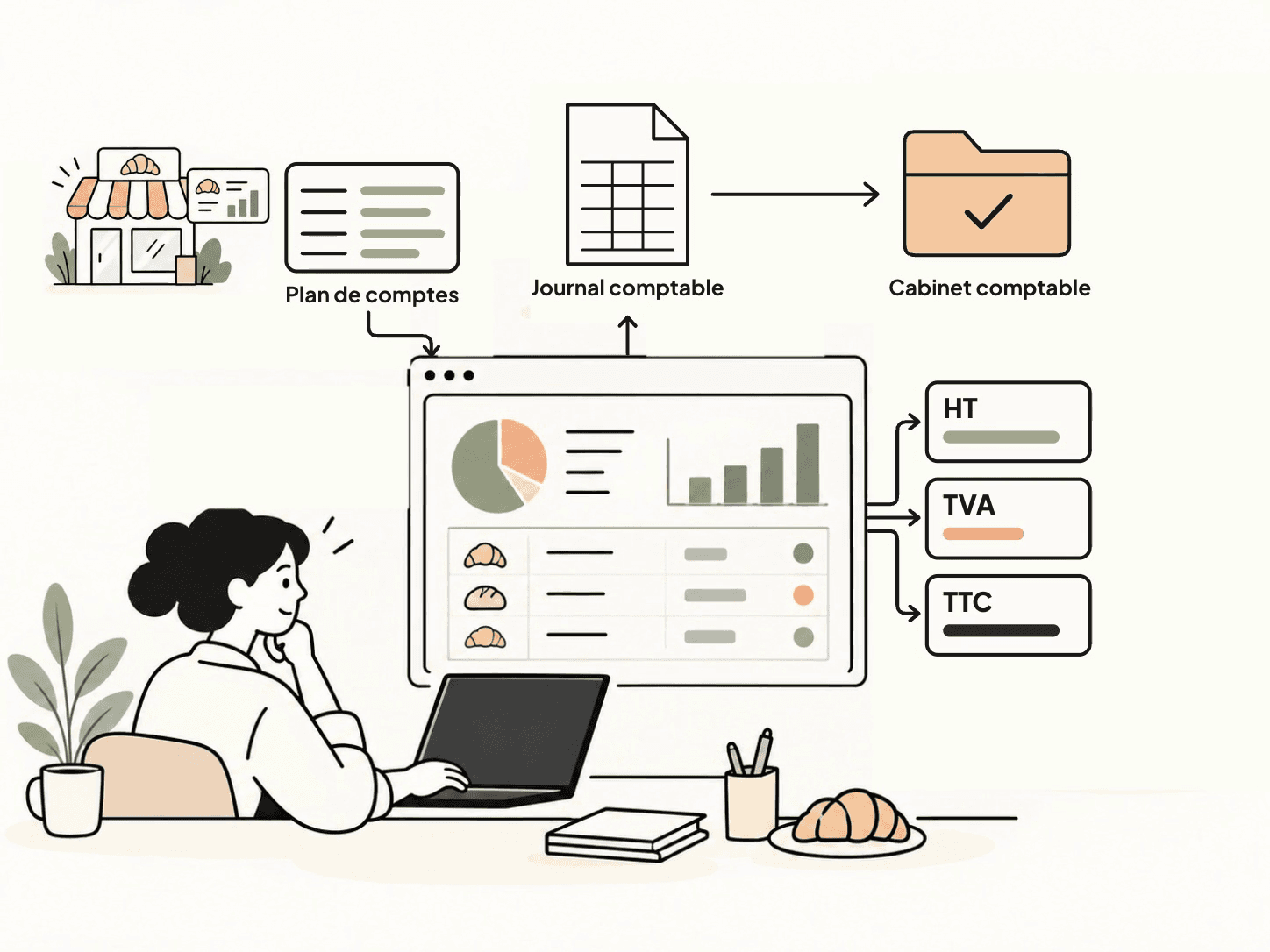
Each receipt carries its net amount, VAT and total, rate by rate. Nothing has to be recalculated from paper receipts.
The daily VAT screen shows sales by day and payment method, delivery platforms included, with net, VAT and gross totals.
In each store’s record, enter the journal and the accounts per payment method and per rate. A store that is not configured is flagged at export.
The export produces one entry per day and payment method, with net and VAT per rate, and one sheet per store, as a spreadsheet.
In the endYour VAT figures are ready, and your accountant receives a journal to import instead of a box of receipts.
IN THE BAKERY
Orders and recipes provide the starting point. The chef stays in control of what gets prepared.
Kaisu suggests preparation quantities based on needs.
The chef checks and adjusts quantities for the bakery.
The chef approves. The storekeeper sees the materials to issue.
BEFORE YOU CHOOSE
Every receipt carries your company’s ICE, IF, RC and TP. A Z report prints at each closing, receipt numbering is continuous within each session and any break is flagged. DGI exports and an accounting journal by VAT rate are ready for your accountant.
An internet outage does not stop sales. Receipts are stored on the iPad and synchronised as soon as the network returns.
A customer display shows the basket in real time. Receipts are delivered by QR code, email or WhatsApp. Glovo sales are kept separate in the register, the Z report and the accounts.
iPad on iPadOS 16 or later, Epson TM series receipt printers, cash drawer driven by the printer. Your existing equipment is checked before the quotation.
ONE COMPLETE PLATFORM
POS, production, inventory and reporting together. Choose the infrastructure that fits your organisation.
A monthly subscription, on quotation.
Two ways to host your application:
Get a quoteHardware is additional. Your quotation details equipment, onboarding and subscription terms.
Yes. POS, inventory and multi-store reporting are included in the platform. The demo helps check your specific setup.
Features are the same. Standard uses shared infrastructure; Premium has a dedicated server.
Hardware is additional. We review your existing iPads and printers before preparing a quotation.
Request a proposal, then agree the scope, price and terms with us. Your subscription starts after accepting the offer; this form does not commit you.
YOUR NEXT STEP
Tell us about your business. We will prepare a demonstration and proposal tailored to your stores.